Connect / Transfer

Tips for Connecting Flights
- Click here to see what Terminal and gate your airline will fly out of at Orlando International Airport.
- Connections within Terminals A and B may use the Gate Link system when moving between certain gates. Passengers may or may not need to exit security depending on the gate number.
- Terminal C connections remain within the secured area—simply walk to your next gate.
- Need help finding your way around MCO? Just look for one of our friendly Customer Service Ambassadors, they’ll be happy to assist you. Travel Well!
Transportation Between Terminals
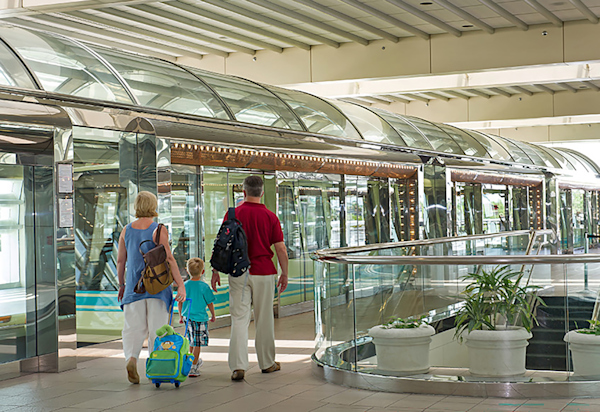
Gate Link:
Transports passengers between Terminals A and B to the Gate Areas. Runs every 2 minutes, 24/7
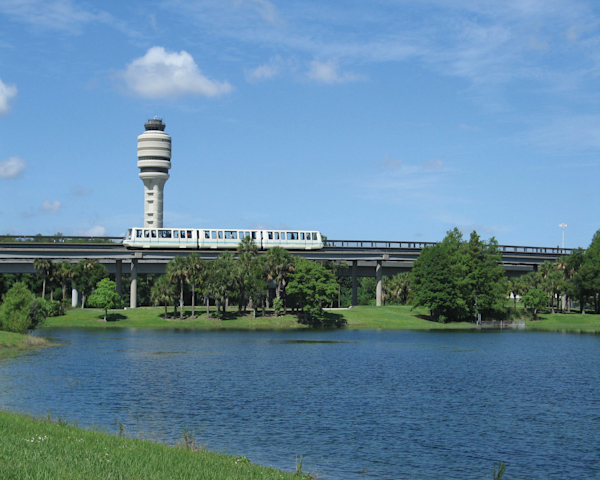
Terminal Link
The Terminal Link transports passengers between Terminal C and the Train Station and Terminals A and B. Runs every 4 minutes, 24/7
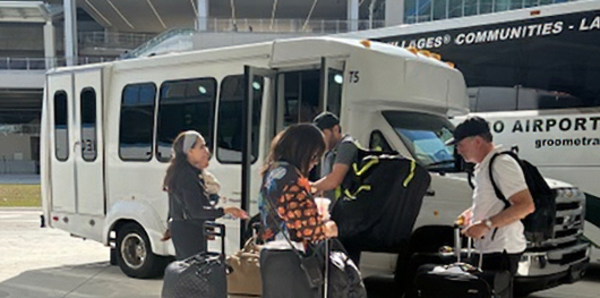
Shuttle
Transports passenger between Terminal C and Terminal B.
-
The shuttle bus service operates 24 hours a day
-
Pick-up and drop-off is at:
- Terminal C: Level 1 (Ground Transportation) at Space C272
- Terminal B: Level 1 (Ground Transportation) at Space B65
-
Walking
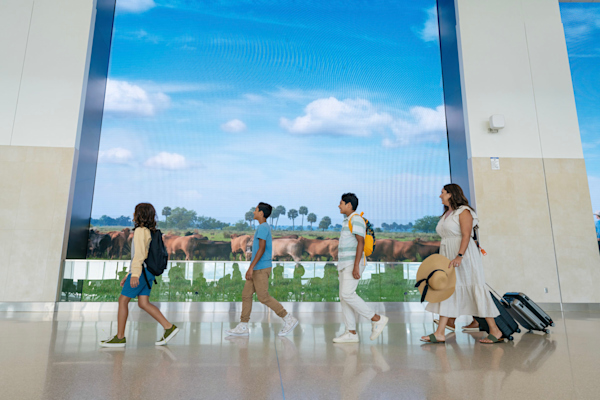
Terminals A and B: Passengers will walk between Terminal A and Terminal B, which are located on opposite sides of the same building. Crossing from Terminal A to Terminal B (or vice versa) is done on Level 3. Passengers will also walk to the Terminal Link (look for the big blue C under the Hyatt Hotel) to travel to Terminal C and the Train Station.
Terminal C: Passengers will walk across the Pedestrian bridge to access the Train Station or the Terminal Link to travel to Terminals A and B
Train Connections
Moving Between Gate Areas
If you have a wait before your next flight and want to explore MCO —whether to visit a favorite restaurant, shop, or lounge—you can easily move between Gate Areas.

Gates 1 - 59
The Security Area for Gates 1-59 is located on the west end of Terminals A and B.
- Gates 1-29 AND Gates 30-59 are located in two separate areas that are accessible by the Gate Link.
- To move between Gates 1-29 AND Gates 30-59, take the Gate Link to the Terminal.
- When you arrive, exit that Gate Link and look for the Gate Link that corresponds to your desired gate location. You will not need to leave the secured area.
Note: Be sure to stay within the secured area. If you exit the area, you will need to go back through the TSA security checkpoint.

Gates 70 - 129
The Security Area for Gates 70-129 is located on the east end of Terminals A and B under the Hyatt Hotel.
- Gates 70-99 AND Gates 100-129 are located in two separate areas that are accessible by the Gate Link.
- To move between Gates 70-99 AND Gates 100-129, take the Gate Link to the Terminal.
- When you arrive, exit that Gate Link and look for the Gate Link that corresponds to your desired gate location. You will not need to leave the secured area.
Note: Be sure to stay within the secured area. If you exit the area, you will need to go back through the TSA security checkpoint.
Temporary Gate Link Replacement – Important Note: MCO is currently upgrading the Gate Link system, serving Gates 70–129 (Airside 2 and Airside 4).
- During daytime operations: Passengers may experience only brief delays.
- Overnight: Travelers may use shuttle buses as part of the terminal journey.
- For more information, visit Gate Link Project.